Push Notification Instructions

How to

Stay informed with a certain group by marking your interests

Download the App

Fill out the Profile

Verify your info through text

Mark your interests.

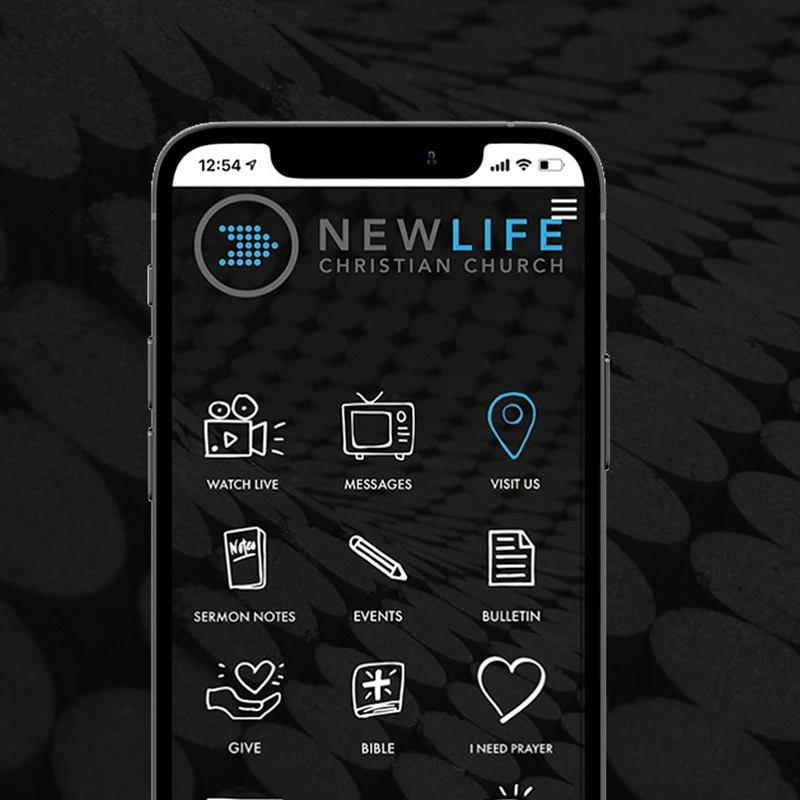
Download the <span style="color:var(--primary-color-bg)">APP</span>
Download the APP
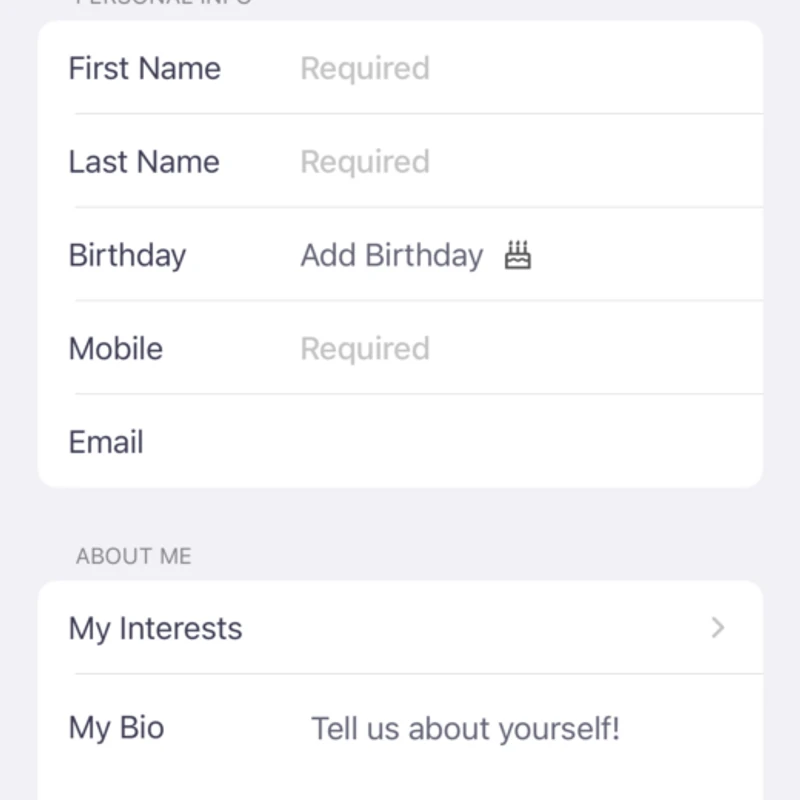
Fill out a <span style="color: var(--primary-color-bg);">Profile</span>
Fill out a Profile
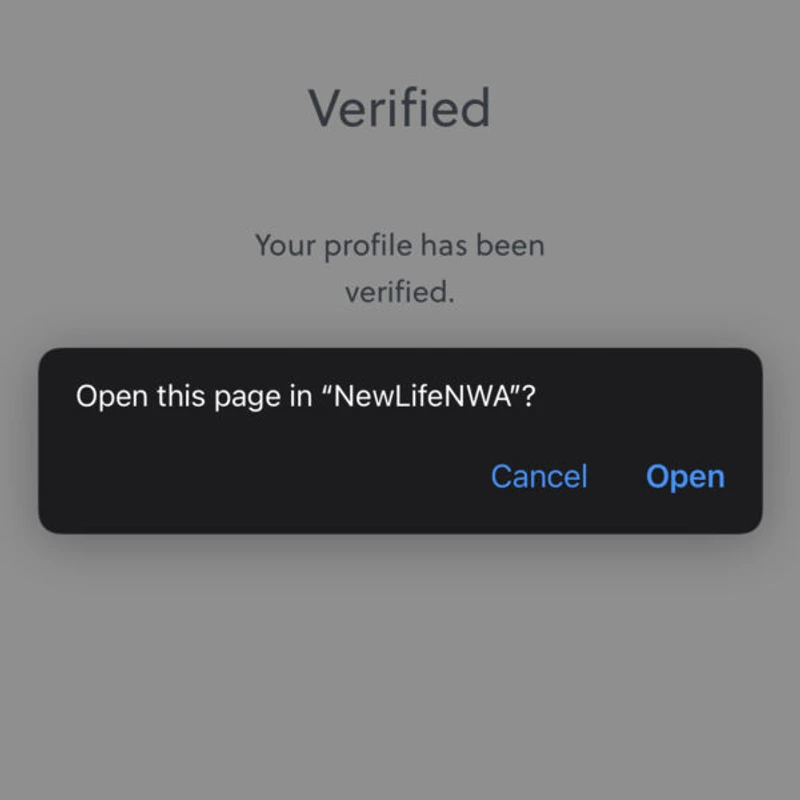
Get <span style="color:var(--primary-color-bg)">Verified</span>
Get Verified

A text and an email will be sent to you. Click the links to verify both your cell phone number and your email address.
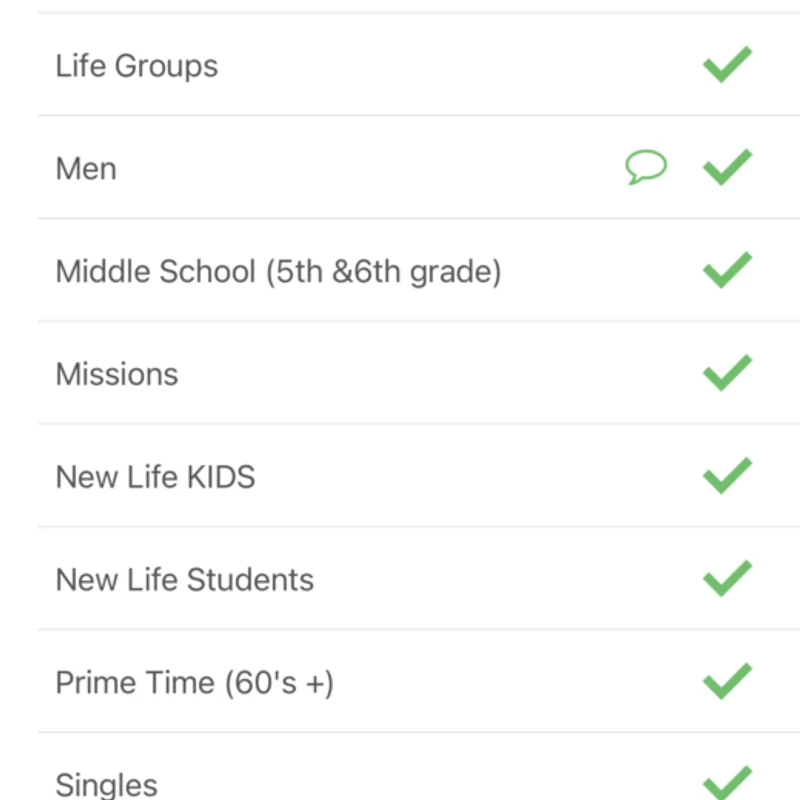
Mark Your <span style="color:var(--primary-color-bg)">Interests</span>
Mark Your Interests
Make sure in your setting that you have allowed this app to send you notifications.
Text notifications come to you as a text. A Push Notification comes to you through the app.
Anytime we send a notification out from the group you marked interested in, you will receive info to your phone.
Watch Online
Tune in Saturday 5:00 pm or Sunday 10:00 am to watch online church
Read more